AI Routine Checklist for Busy Families (Printable + Editable)
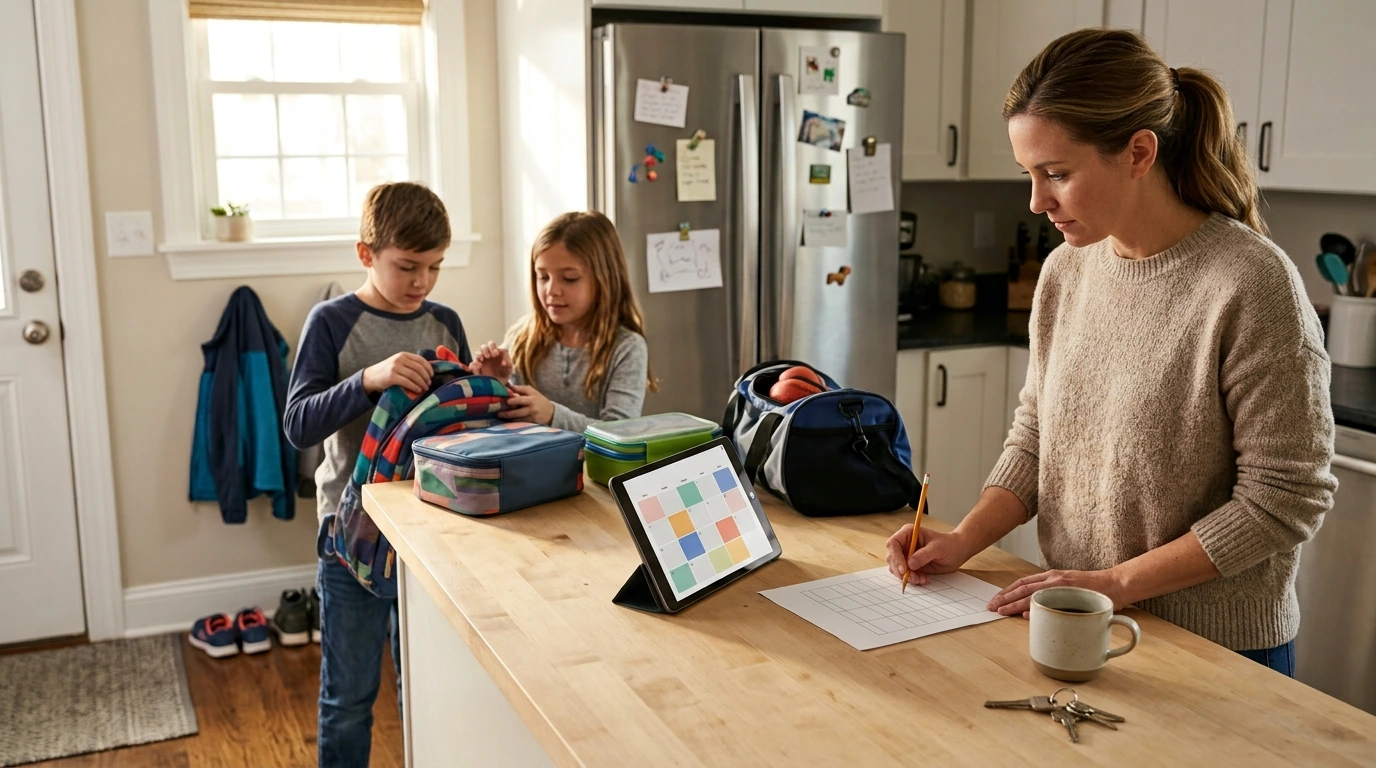
Smart Parent, Smarter Schedule: An AI-Friendly Routine Checklist for Busy Families
Family schedules can unravel fast—school drop-offs, practices, homework, meals, chores, and bedtime all competing for attention. A simple routine checklist becomes far more powerful when paired with AI: it helps capture every commitment, turn it into a realistic plan, and keep daily handoffs clear between caregivers. The goal isn’t a perfect day; it’s fewer surprises, steadier mornings, calmer evenings, and a week that feels more predictable.
What makes family schedules feel impossible (and what actually fixes it)
Most “chaos” isn’t one big problem—it’s dozens of micro-tasks happening in the same 30-minute window. Shoes that disappear, permission slips that weren’t signed, a snack that still needs packing, a sibling who needs help with meds, and two adults assuming the other person handled pickup. Then one small change (a delayed meeting, a late bus, a rainy practice) ripples across the entire day.
That’s why “just use a calendar” often falls short. Calendars store events, but they don’t manage the sequences that make events possible (get ready → pack bag → load car → leave), and they don’t clarify ownership (who packs the uniform? who signs the form?).
A workable system combines three layers:
- A weekly view for fixed commitments and exceptions.
- A daily routine flow for the repeatable steps that keep the day moving.
- A checklist placed where decisions happen (fridge, kitchen counter, or phone) so it actually gets used.
AI fits best as a planning assistant: it can turn raw inputs—activities, locations, prep time, transitions—into a realistic schedule with buffers and backup options, without requiring you to rebuild everything from scratch each week.
Start with a routine inventory: the inputs AI needs
AI planning only works when the starting data matches real life. A quick routine inventory helps you capture what’s actually taking time.
- List fixed commitments: school/daycare hours, recurring appointments, practices, tutoring, community activities.
- Add “hidden time”: commute, parking/walking, snack prep, gear packing, showers, plus transition buffers.
- Define constraints: parent work blocks, car availability, pickup authorizations, sibling conflicts, sleep targets.
- Capture kid-specific variables: medication windows, sensory breaks, screen limits, homework load, calm-down options.
- Decide success criteria: fewer late departures, less bedtime arguing, smoother caregiver handoffs, more family time.
If routines are a stress point, consistency helps reduce conflict and anxiety over time. For additional parenting guidance, see CDC Positive Parenting Tips and routine-related resources from the Child Mind Institute. For screen-time structure that fits into evening routines, the American Academy of Pediatrics Family Media Plan is a practical companion.
How to use AI to build a realistic kids’ schedule (without over-optimizing)
Step 1 — Provide the raw week
Start with activities, times, locations, who drives, and what must be prepared in advance. Include one-off events (early release, dentist, theme day) because those are the ones that typically break routines.
Step 2 — Ask for time-blocks and transitions
Have AI calculate “leave by” times, buffers, and handoff points. A five-minute buffer rarely works; build 10–15 minutes for parking, shoe drama, and last-second bathroom trips.
Step 3 — Generate routines, not just events
Step 4 — Create contingency plans
Step 5 — Keep it human
Turning the plan into action: a printable, editable checklist that actually gets used
If you want a ready-to-edit format that matches how families operate day-to-day, Smart Parent, Smarter Schedule (printable & editable routine checklist) is designed for quick weekly updates and clear handoffs.
Sample Weekday Routine Checklist (editable template structure)
| Time anchor | Kid tasks | Adult tasks | Prep/gear | Notes/buffer |
|---|---|---|---|---|
| Before breakfast | Dress + teeth + meds (if needed) | Confirm today’s pickups + check messages | Start laundry load / set out snacks | 10 min buffer for slow start |
| Before leaving | Shoes on + backpack check | Pack lunches + fill water bottles | Sports gear / forms / device charger | Leave-by time posted |
| After school | Snack + decompress (15–20 min) | Review homework + activity times | Set out uniforms/gear for tomorrow | Short outdoor break if possible |
| After dinner | Tidy station + shower | Kitchen reset + calendar scan | Pack bags + sign forms | Prep for tomorrow reduces morning stress |
| Before bed | PJs + teeth + reading | Confirm alarms + quick check-in | Charge devices / lay out clothes | Protect bedtime consistency |
To keep planning from turning into another task, pair the checklist with one short AI “planning session” weekly. For families who also want help brainstorming outings and building low-stress weekend plans, How to Use AI to Plan Family Activities complements routine planning by turning free time into something you don’t have to overthink.
A simple weekly reset that prevents schedule drift
Common problems and quick fixes
Using the Smart Parent, Smarter Schedule download
The easiest system is the one you’ll actually maintain. The Smart Parent, Smarter Schedule editable PDF is built for fast customization—mornings, after school, bedtime, plus a weekly overview—so the routine lives in one place instead of scattered notes.
FAQ
What’s the best way to use AI to plan kids’ schedules without making the day feel over-planned?
Start with fixed commitments, then add realistic transition buffers and “leave by” times before filling in routines. Limit daily must-do items and keep a short fallback plan for late days so the schedule can bend without breaking.
How should a family routine checklist be set up for two caregivers?
Use role-based sections (Parent A, Parent B, Kids) with clear ownership, and agree that the checklist is the source of truth. A quick weekly reset keeps both caregivers aligned on changes and reduces mental load on one person.
Can an editable PDF checklist replace a calendar?
Not fully—calendars are best for storing events and time-specific commitments, while checklists manage sequences and responsibilities. The strongest setup uses both: calendar for “when/where,” checklist for “what/ who/ in what order.”







Leave a comment